Sketch spline fails systematically
-
I have a spline which is already in my CAD model
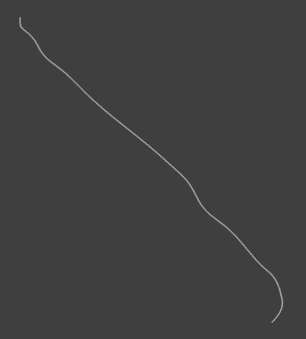
I want to basically "smooth" it, in the sense that I don't want wiggles (big second derivaties across its trajectory.
So my plan is to:- Extract points from the spline.
- Re-create a spline but only using a subset of the extracted points of the spline in question.
I already extracted the points
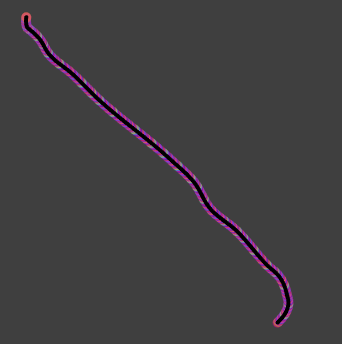
BUT now the Sketch-> Spline tool fails. It always creates a spline when I use two points. I therefore cannot create a spline with more than 2 points (which makes all of this pointless, well with two points actually :beaming_face_with_smiling_eyes: ).
What can I do to get around this?
-
I agree that it is unintuitive that the
Splinetool stops when it snaps to a vertex. I will create a bug report.There are tools that may help you:
- Wire Tools / Routings Tool Box / Approximate Wire
- Wire Tools / Fit Spline
The
Approximate Wiretool allows you to specify the number of handles you want. It creates a parametric spline with handles (if Parametrize=True), so you can also edit it interactively by moving the handles.I guess you can also create a spline using a list of points using the Python API.


Hello! It looks like you're interested in this conversation, but you don't have an account yet.
Getting fed up of having to scroll through the same posts each visit? When you register for an account, you'll always come back to exactly where you were before, and choose to be notified of new replies (either via email, or push notification). You'll also be able to save bookmarks and upvote posts to show your appreciation to other community members.
With your input, this post could be even better 💗
Register Login