S4L Scripting VS Code Extension Cannot Run or Debug Python Script via Remote-SSH Despite Successful Connection
-
Hello,
I am experiencing an issue with the S4L Scripting extension in VS Code.
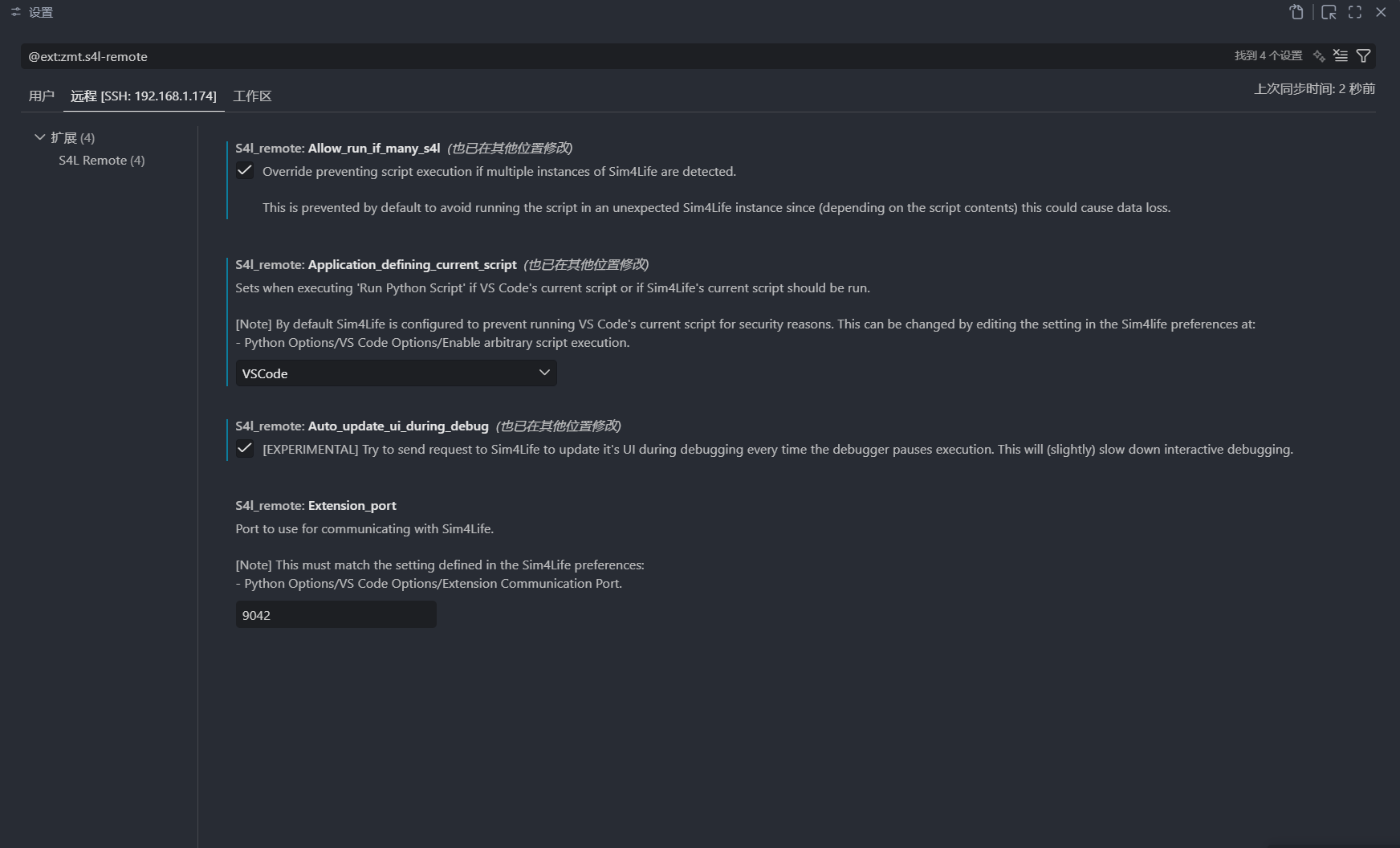
Sim4Life is running on a server within a local area network. On my local machine, I use VS Code with Remote-SSH to connect to the server. The S4L Scripting extension is installed on the server side, and the compiler path has been correctly configured. The extension settings are shown below:
When I run the command
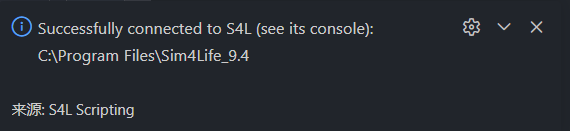
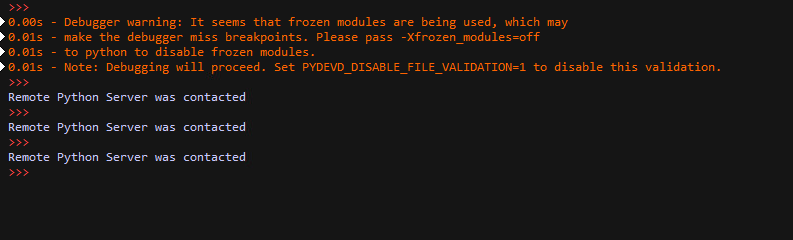
S4L: Identifyin VS Code, the extension notification shows that the connection is successful. The Sim4Life terminal on the host machine also indicates that it has successfully connected to the extension.
When I run
S4L: Open Current Script, the target script can also be opened correctly in Sim4Life.However, when I try to execute the script using
S4L: Run Python Script, the extension notification says that there is currently no running Sim4Life process. The same issue occurs when I try to run the debug command for the script.
I have tried changing several extension settings as well as the Python-related settings inside Sim4Life, but I still cannot run scripts through the extension.
My Sim4Life Python configuration is shown below:
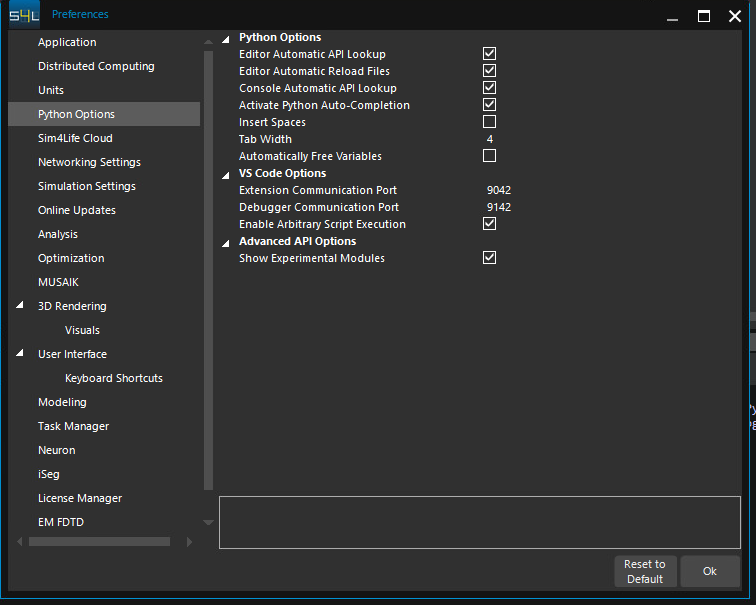
I have confirmed that the
Extension Communication Portsetting is the same in both Sim4Life and the VS Code extension. I have also confirmed that the system firewall allows traffic through this port.Could you please help me what might be causing this issue?
Thank you for your help.
Hello! It looks like you're interested in this conversation, but you don't have an account yet.
Getting fed up of having to scroll through the same posts each visit? When you register for an account, you'll always come back to exactly where you were before, and choose to be notified of new replies (either via email, or push notification). You'll also be able to save bookmarks and upvote posts to show your appreciation to other community members.
With your input, this post could be even better 💗
Register Login