Skip to content

Simulations & Solvers

FDTD, Low-Frequency, Neuron, Mode-Matching, Flow, Acoustics, etc...

264 Topics 789 Posts

Subcategories


  • FDTD, Low-Frequency, Neuron, Mode-Matching, Flow, Acoustics, etc...

    15 38
    15 Topics
    38 Posts
    R
    Hello, I am trying to couple a completed Flow (Navier-Stokes, Steady State) simulation with a Thermal simulation using the Python API in Sim4Life 9.2.1.19976. My goal is to use the flow velocity field as input to the thermal solver, so that heat transport is shaped by the actual velocity profile rather than the homogeneous Pennes perfusion term. Any guidance would be much appreciated. Thank you.
  • Magneto-QuasiStatic: Interpolation error

    3
    0 Votes
    3 Posts
    1k Views
    SylvainS
    hi, regarding padding: as a general rule, if you are not sure whether a numerical parameter will affect your simulation results, the best course of action is to just "try and see". Change parameter -> see if it affects the results significantly. For the padding, you should try to increase it and check that your simulation results are not affected by spurious "boundary effects". as for tutorials: yes, in principle you should obtain the same results as shown in the manual. If you do not, please check carefully that you followed the steps faithfully (pay attention, for example, to the Normalization settings in the Analysis/postprocessing part, after extracting the field sensors - forgetting to tick this box would often lead to orders of magnitude difference in the results).
  • cannot find EM-FDTD solver in Simulation tab

    3
    0 Votes
    3 Posts
    1k Views
    G
    @Sylvain thanks for your reply! I did check with my supervisor and it is true that our license does not include that solver as our project does not need it.
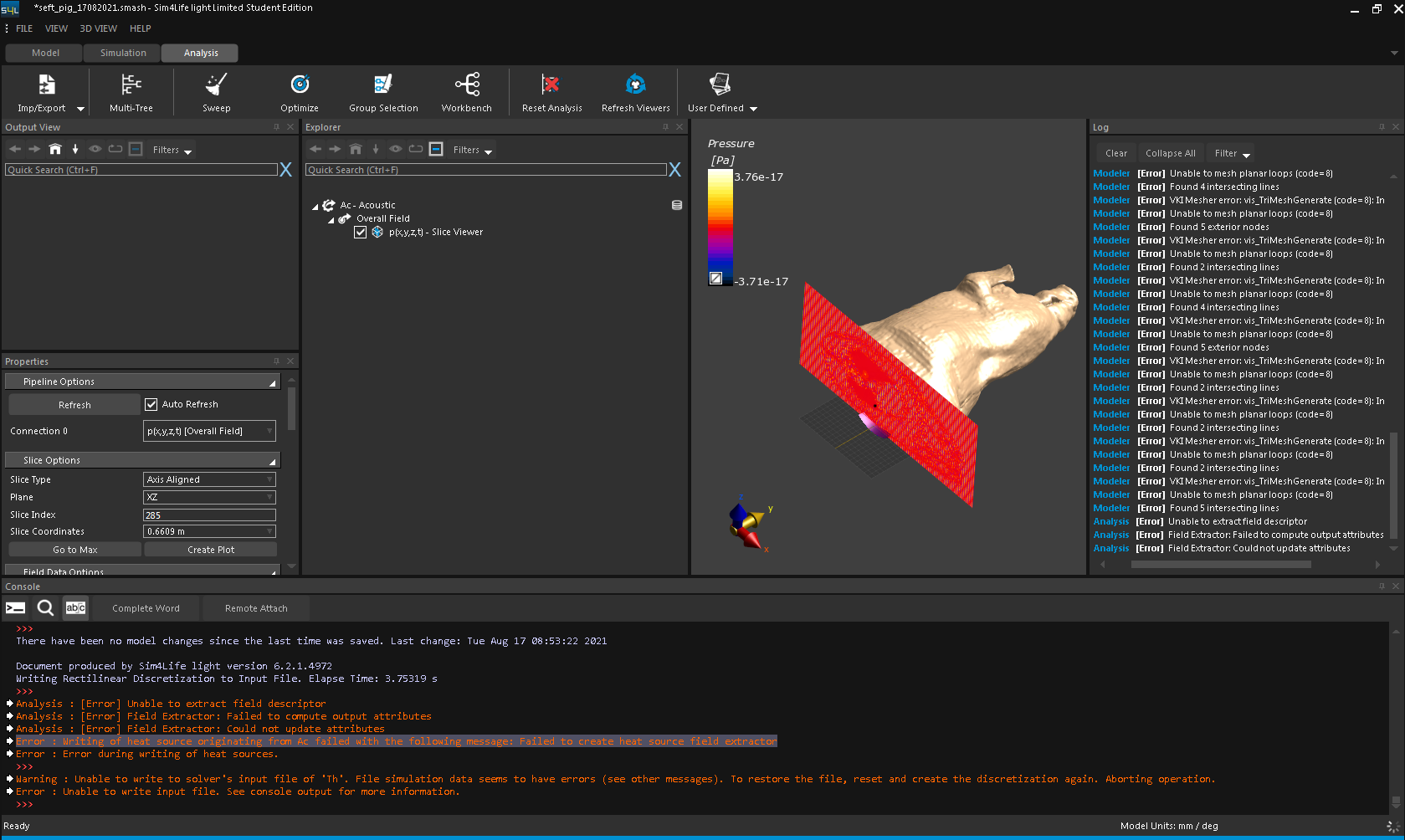
  • Pig Simulation: Failed to create heat source field extractor

    28
    0 Votes
    28 Posts
    40k Views
    M
    Yes I did mean wavelength, not period .. That's the drawback of running high frequency simulations in FDTD, they require a lot of voxels ... If appropriate, try running it at 500 kHz and then update the automatic grid settings ... The auto grid settings is based on the material in your domain that has the lowest speed of sound, please remove air from the simulation domain if appropriate ... One of my previous comments tells you how to calculate the wavelength, the units and magnitude seem wrong in yours, remember that you're not using the speed of light to calculate the wavelength, you use the speed of sound in the medium (around 1500m/s)
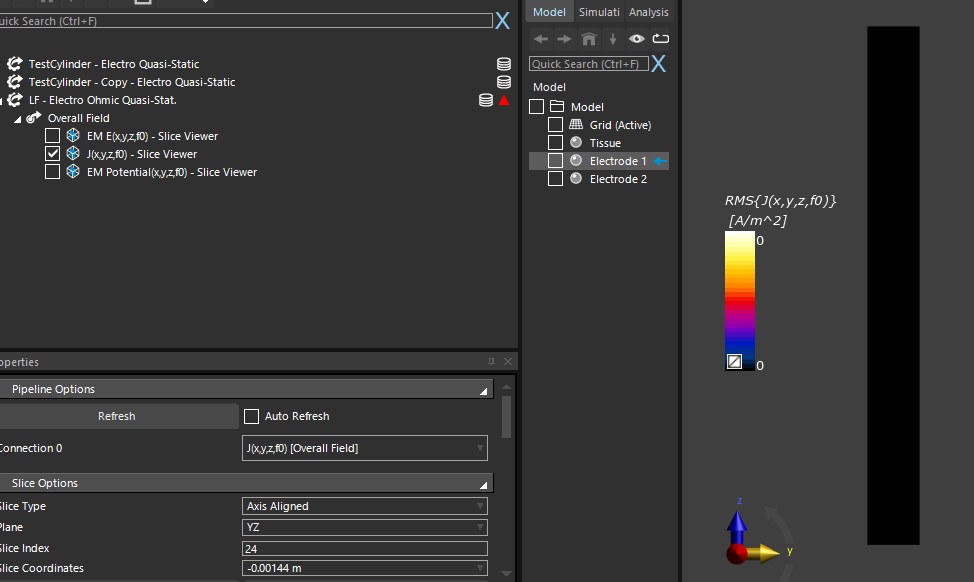
  • Flux A/m^2 Analysis not Working

    2
    0 Votes
    2 Posts
    793 Views
    R
    What is the error message indicated by the red triangle? Maybe the flux is negative. Did you try adjusting the limits on the colorbar?
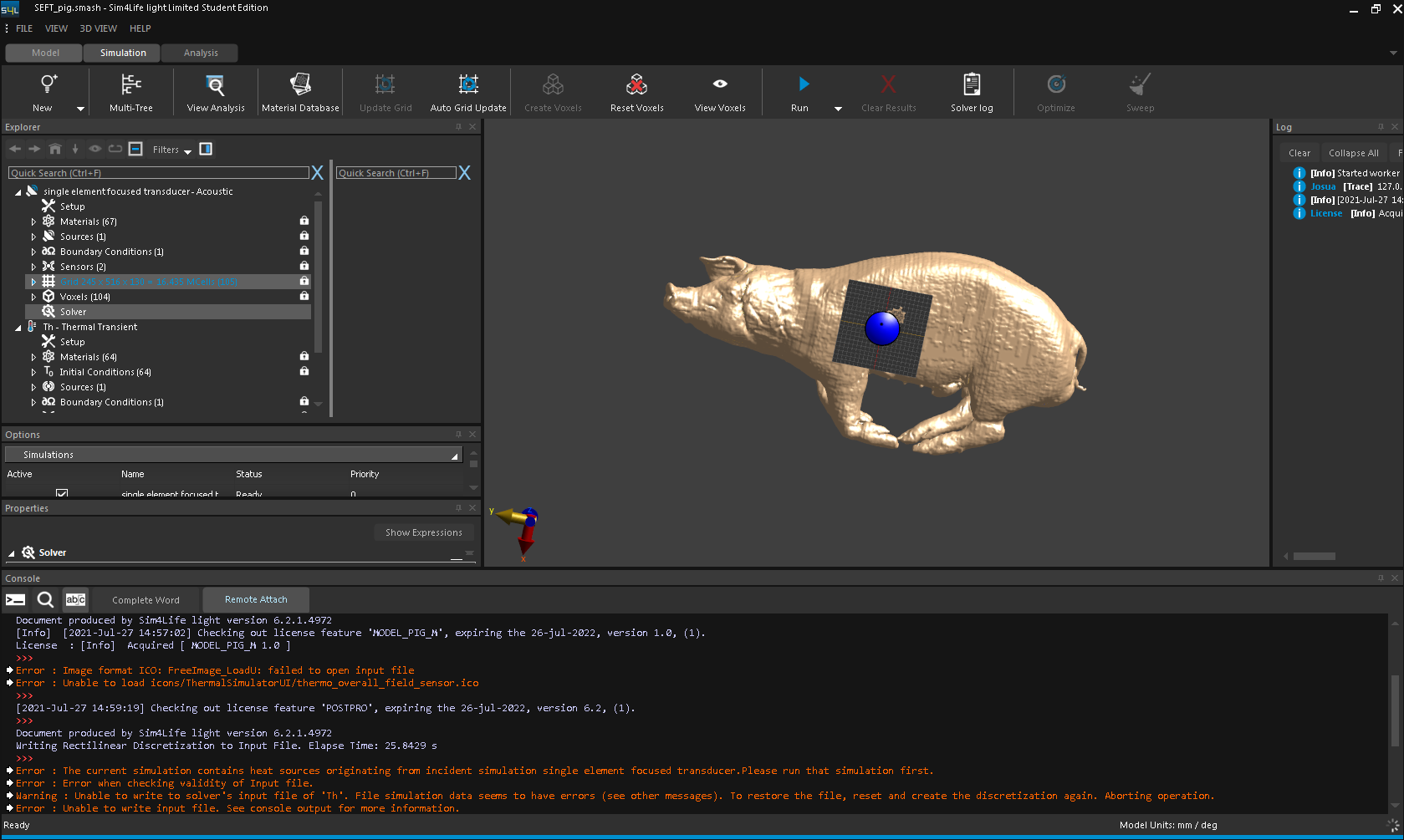
  • iSolve failed in pig simulation.

    2
    0 Votes
    2 Posts
    915 Views
    M
    Hi, this typically happens if some material that is voxeled is not found. If I had to guess, I'd say that you have a source and no corresponding material (the source element should be in the Sources and Materials)
  • Some errors are reported about the Neuron module

    2
    0 Votes
    2 Posts
    817 Views
    M
    If I read the message correctly, it seems that another program is interfering. Have you tried to uninstall the Yale Neuron Solver?
  • I can't control the beam direction of circular array antenna

    4
    0 Votes
    4 Posts
    1k Views
    SylvainS
    @rose, you write "it was a bit different from the theoretical result", but unfortunately I don't fully understand what you did, what you are trying to do, and what you are comparing your results to. Perhaps if you describe (with e.g. screenshots and equations) both what you did and what the "theoretical results" I can try and find why they do not match.
  • Problems with my simulation

    1
    0 Votes
    1 Posts
    417 Views
    No one has replied
  • Help with my simulation

    2
    0 Votes
    2 Posts
    734 Views
    ofliO
    Hi Javier, What error messages are you getting with Endring 1 simulation? I assume that you have already checked the tutorial "3.1.9 MRI Lowpass Volume Coil" which might help you to make sure that your setup is correct.
  • 0 Votes
    5 Posts
    2k Views
    SylvainS
    @rose see my answer here
  • User defined waveform not importing correctly

    1
    0 Votes
    1 Posts
    551 Views
    No one has replied
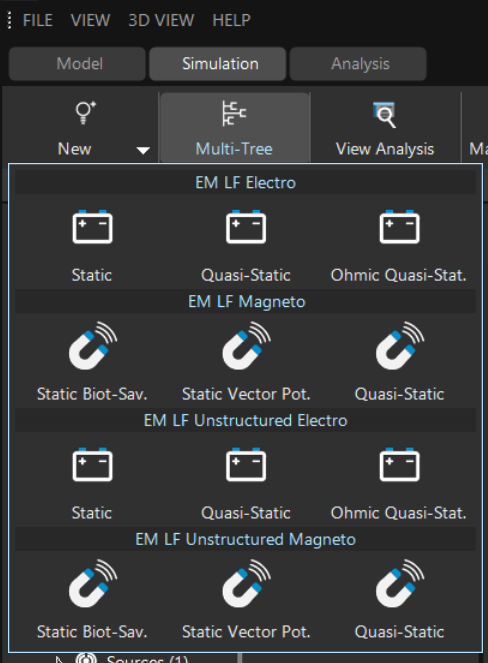
  • What is considered "low frequency" for EM LF Simulations?

    2
    1 Votes
    2 Posts
    1k Views
    M
    See the Sim4Life Manual (2.6.1 EM LF - Simulation Theory) ωσμd2≪1^ The quasi-static conditions are sufficient conditions for the quasi-static approximation to hold. In practice, there are cases where the quasi-static approximation still yields accurate results even when the quasi-static conditions are not satisfied. The guideline for this type of cases is to compare to results from full-wave simulations. A table of the quasi-static approximation criteria for every simulation is written in the log file: Solid settings: frequency = x Hz, characteristic length (worst case domain diagonal) x Epsilon Mu SigmaE QS Approx. Quality Static Magn. Field SigmaE/wEpsilon Solid name The column QS Approx. Quality and Static Magn. Field refers to quasi-static conditions. The column SigmaE/wEpsilon indicates whether the displacement current ( ≪1 ) or the ohmic current dominates ( ≫1 ). 2.6.1.4 Choosing the Appropriate Low Frequency Solver has further details
  • Tutorial Grid Error "Yoon-sun Arm Stimulation"

    6
    0 Votes
    6 Posts
    2k Views
    H
    Thank you @LJ and @Habib!! Fantastic explanations, I understand :)
  • What is the mismatch efficiency?

    4
    0 Votes
    4 Posts
    2k Views
    SylvainS
    @rose your simulations are most likely done with a 1V voltage at the excitation source (that's the default setting). This is perfectly fine from a numerical point of view, but in practice (e.g., if you wanted to compare with measurements) you probably want to normalize your results. In the Far Field Sensor, for example, you can normalize to a Total Available power of 1W (say). This way, you will be comparing apples to apples. That will not change the value for the Gain, though (since it is a power ratio, independent of scaling). This must come from either a difference in some aspect ratio of your dipole, or simply that you did not change the dimensions in the same proportion (1/10th) as you changed the frequency.
  • This topic is deleted!

    1
    0 Votes
    1 Posts
    1 Views
    No one has replied
  • Something that's bothering me

    2
    0 Votes
    2 Posts
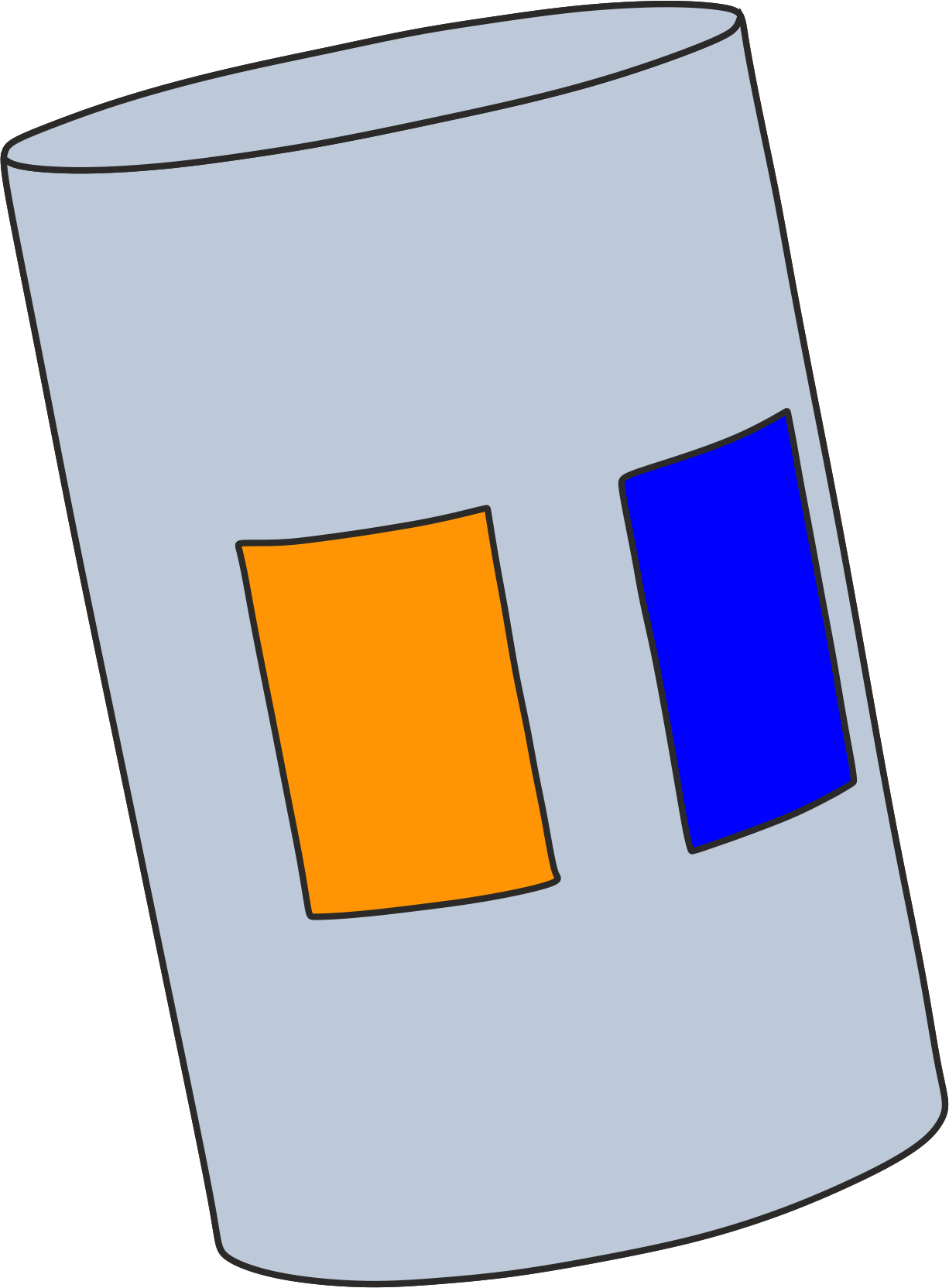
    839 Views
    L
    I would double-check that the electrodes being used are added as voxels correctly if they're not then the boundary conditions do not get set up properly. It might be easier to help if you provide more information.
  • Can I make the animation of radio waves(EM E(x,y,z,f0))?

    3
    0 Votes
    3 Posts
    957 Views
    R
    @Sylvain It really helped!! I've successfully done making animation!! Thank you for helping me. Since you also gave me some advice about TRP problems, I would like to carry on the solutions you suggested. I really appreciate your help.
  • Why TRP exceed input power

    Locked
    2
    0 Votes
    2 Posts
    907 Views
    A
    duplicate of (https://forum.zmt.swiss/topic/337/why-does-trp-exceed-input-power-antenna)
  • Axon getting stimulated even with atto Amps of current !!

    4
    0 Votes
    4 Posts
    1k Views
    S
    @habib Hi, Thank you for your reply. I can understand that if you enable the titration, the software keeps on scaling the field till sees a stimulation. But it also gives us a number for the scaling field. In this case, I am seeing that number to be 0.13. Doesn't it mean that the field has been scaled down to a factor of 0.13 to create the minimum field for stimulation - I was hoping that number to be orders of magnitude higher. Please correct me if I am wrong. Thanks for looking into this.
  • Simulating a bipolar electrode with contant power

    2
    0 Votes
    2 Posts
    840 Views
    SylvainS
    Hi, There is a tutorial called "Parallel Plates" for the LF (low-frequency) solver. I think it does exactly what you need. You can access the step-by-step instructions from Sim4Life -> Help -> HTML Tutorials -> 3.2.1. Parallel Plates You can also open the Sim4Life project using Sim4Life -> File -> Open Tutorial -> EM LF Tutorials -> Parallel Plates.smash